
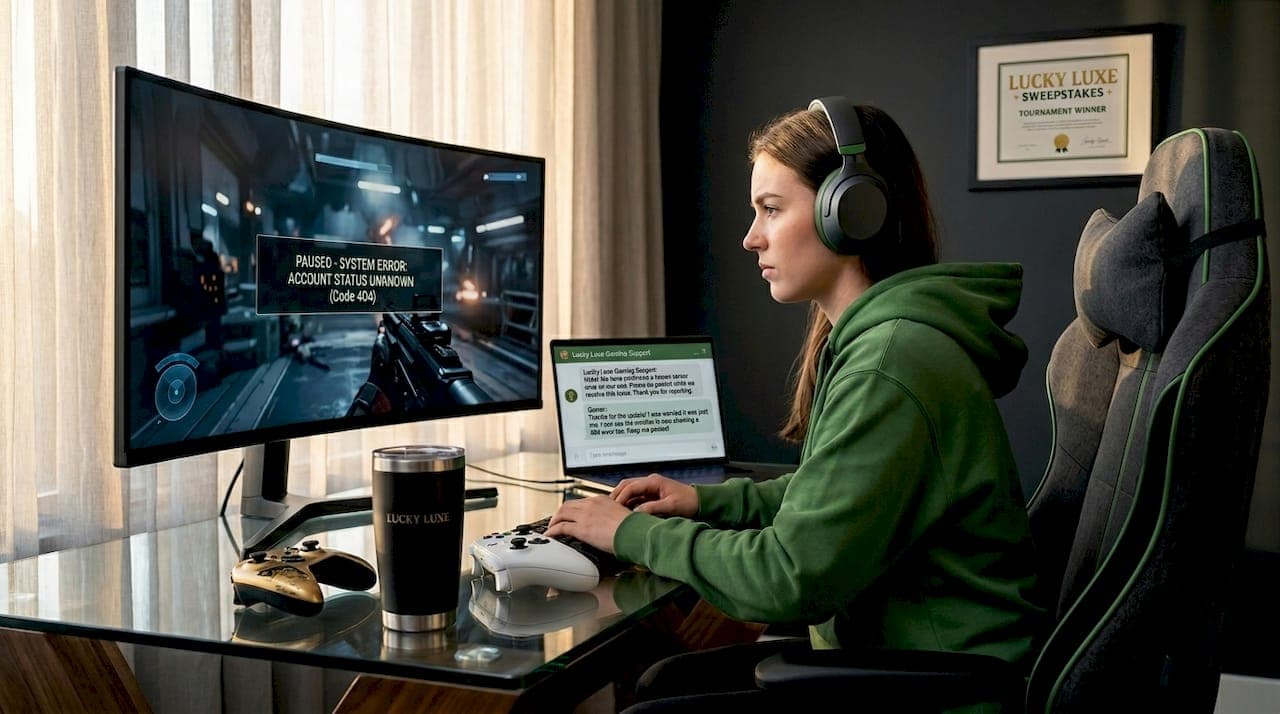
You're mid-session, something breaks, and the last thing you want is to alt-tab out, lose your progress, and start hunting for help from scratch. The ability to access support resources while gaming has never been more important, and the options available in 2026 go far beyond a simple help page. Modern gaming support, the formal term for the ecosystem of in-game assistance, community tools, and external care channels, now includes AI-powered chat, accessibility guides, and mental health services. This article gives you a practical map of what exists and exactly how to use it without killing your momentum.
Table of Contents
- Key Takeaways
- How to access support resources while gaming: prep first
- Step-by-step: getting help without leaving your game
- Accessibility and mental health support for gamers
- Troubleshooting your setup for better support access
- Verifying and following up on support requests
- My take on where gaming support is actually headed
- Explore Luckyluxe for gaming support and resources
- FAQ
Key Takeaways
| Point | Details |
|---|---|
| Set up support before you play | Create platform accounts and bookmark key resources so help is one click away when you need it. |
| Use in-game tools first | Integrated support like Helpshift keeps your gameplay context intact and speeds up resolution. |
| Accessibility resources are structured | Microsoft's disability guide maps barriers to solutions by type, making it easy to find relevant help. |
| Mental health support is available | Confidential services like Childline and GamCare offer chat, call, and email options for gamers in distress. |
| Track your support requests | Use ticket management tools and multi-channel notifications to follow up without leaving your game. |
How to access support resources while gaming: prep first
Most gamers only think about support when something goes wrong. The smarter move is to set everything up before you load your first session. Think of it like checking your gear before a raid. When the moment comes, you want zero friction.
Start with your platform accounts. Whether you're on Xbox, Steam, or Nintendo Switch Online, make sure your account is active and your contact details are current. An outdated email means missed notifications and delayed resolutions. For Nintendo users specifically, the Nintendo Switch Online membership includes GameChat and online play features that double as social support channels.
Here's a quick checklist of what to have ready before your next session:
- Platform account verified with a current email and phone number
- In-game help menus located so you know where they are before you need them
- Mobile companion apps installed for platforms that offer them (Xbox Game Pass, PlayStation App)
- PC support tools active such as Dell SupportAssist or Windows Game Mode enabled
- Mental health hotlines saved somewhere offline, like a phone note or sticky note near your setup
| Tool | Purpose | Where to find it |
|---|---|---|
| Dell SupportAssist | Optimizes PC performance for gaming | Dell support website |
| Windows Game Mode | Prioritizes CPU and GPU for gaming | Windows Settings > Gaming |
| Nintendo Switch GameChat | In-game voice and community chat | Nintendo Switch Online app |
| Helpshift in-game chat | Player support without leaving the game | Built into supported titles |
| Childline / GamCare | Mental health and gambling harm support | Childline.org.uk / GamCare.org.uk |
Pro Tip: Save your platform support chat URL as a browser bookmark on your phone. When an issue hits mid-session, you can open it on your phone without ever touching your PC or console.
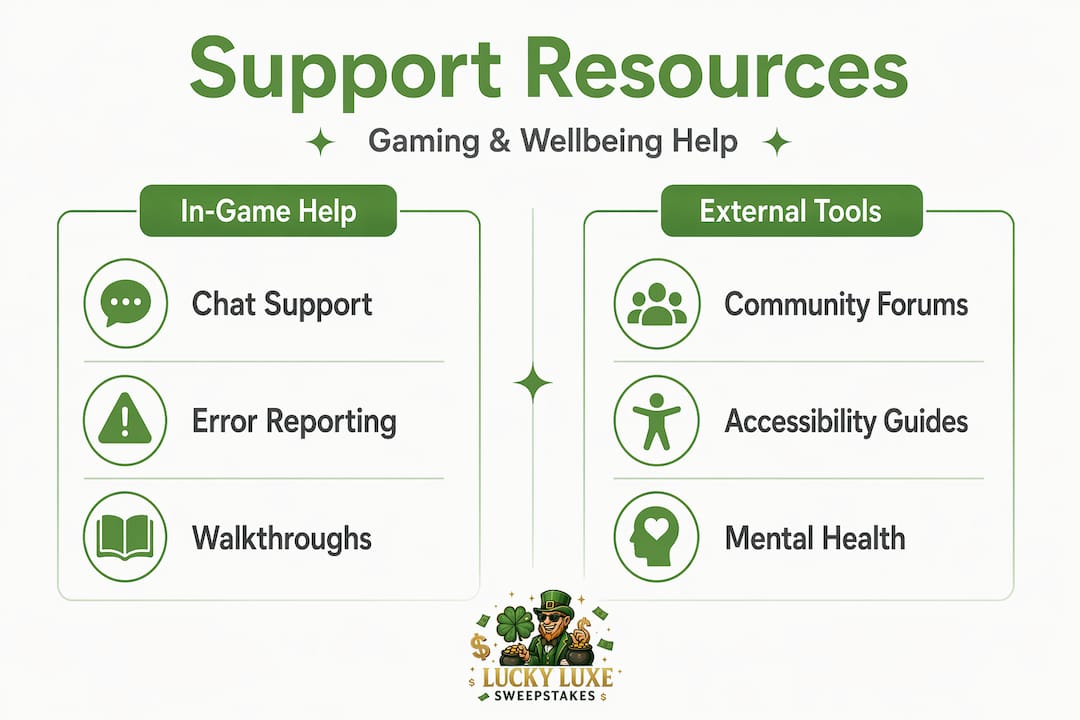
Step-by-step: getting help without leaving your game
This is where most gaming support guides stop short. They tell you support exists but not how to use it without breaking your session. Here's the actual process.
-
Open the in-game help menu first. Most modern titles have a support or help option in the pause menu. This is your fastest path. Look for a question mark icon or a "Support" tab in settings.
-
Use integrated chat if available. Platforms using Helpshift's in-game support let you submit a ticket, chat with a bot, or reach a human agent without ever closing the game. Your game state and account data travel with the request, so you don't have to re-explain everything.
-
Scan the QR code for mobile transitions. Some titles offer a patented QR code transition that moves your support session from console to your phone. Your full gameplay context carries over. This is especially useful on consoles where typing is slow.
-
Search the in-app knowledge base. Before escalating to a live agent, type your issue into the built-in search. Many common bugs, connectivity errors, and billing questions have instant answers in the knowledge base.
-
Use AI chatbots for quick fixes. Multi-language AI chatbots are now standard on major platforms. They handle password resets, refund requests, and basic troubleshooting in under two minutes. If the bot can't solve it, it escalates automatically to a human.
-
Access community forums from your phone. Reddit communities, Discord servers, and official game forums are goldmines for real-time fixes. Other players often solve issues faster than official support.
Pro Tip: When using a chatbot, lead with your account ID and the exact error code if you have one. This cuts the average resolution time significantly because the system can pull your account data immediately.
The key insight here is that integrated player support keeps you in context. When you leave the game to find help, you lose session data, and support agents have to start from zero. Staying inside the game environment is not just convenient. It genuinely speeds up the fix.
Accessibility and mental health support for gamers
Not every support need is about a bug or a billing issue. Two areas that are underserved in most gaming support guides are accessibility and mental well-being. Both have dedicated resources that most players never discover.
Accessibility resources
Microsoft's Gaming and Disability Player Experience Guide is one of the most thorough tools available. It maps specific disability types to concrete best practices and translates accessibility guidelines into steps you can actually act on. Whether you're dealing with motor, vision, hearing, or cognitive barriers, the guide gives you a structured path rather than a generic list.
For adaptive equipment, the research is clear. A study found that 57% of disabled gamers found YouTube instructional videos most helpful, while 42.2% pointed to funding resources as critical. If you or someone you know needs adaptive hardware, start with YouTube tutorials and then look into funding programs through disability organizations or gaming charities. Professional support during setup also significantly increases the chance of successful, long-term gaming access.
Mental health support
Gaming can be a genuine source of stress, social pressure, or compulsive behavior for some players. Knowing when to reach out matters.
- Childline offers confidential chat, phone, and email support for players under 19. No judgment, no referrals needed.
- GamCare specializes in gambling-related gaming harms and provides free counseling and a 24/7 helpline.
- Your GP is the right first call if gaming is affecting your sleep, relationships, or daily function.
"Escalation to professional mental health care is key when gaming starts negatively impacting wellbeing." — YoungMinds
YoungMinds also recommends contacting Childline confidentially as a first step for young people who feel gaming is affecting their mental health. The barrier to reaching out is lower than most people expect.
Troubleshooting your setup for better support access
A slow or unstable system makes every support interaction worse. Here's how to keep your setup in shape so support tools load fast and work reliably.
-
Enable Windows Game Mode. This tells your PC to prioritize gaming resources over background tasks. You'll find it under Settings > Gaming > Game Mode. Dell SupportAssist and Windows Game Mode together are the most recommended combination for PC gamers who want consistent performance.
-
Keep drivers updated. Outdated GPU or network drivers are a top cause of in-game support tool failures. Set your graphics driver to auto-update, or check manually once a month.
-
Don't switch windows mid-support session. One of the most common mistakes is alt-tabbing to a browser while a support chat is open in-game. This can drop the session and erase your conversation history. Use your phone for external searches instead.
-
Stabilize your connection. A wired Ethernet connection beats Wi-Fi for both gaming and support chat reliability. If Wi-Fi is your only option, sit closer to your router and close bandwidth-heavy apps before starting a session.
-
Test your support tools before you need them. Open the help menu, run a test chat, and confirm your account details are visible to the support system. Five minutes of prep beats thirty minutes of troubleshooting under pressure.
Pro Tip: Use a second device, like a tablet or phone, as your dedicated support screen. You get full access to gaming help websites and community forums without interrupting your main display.
Verifying and following up on support requests
Submitting a ticket is only half the job. Knowing how to track it and follow up without losing your place in the game is the part most players skip.
| Support channel | Expected response time | Best for |
|---|---|---|
| In-game AI chatbot | Under 5 minutes | Quick fixes, account issues |
| Live chat (human agent) | 5 to 30 minutes | Complex bugs, billing disputes |
| Email ticket | 24 to 72 hours | Non-urgent issues, documentation |
| Social media support | 1 to 4 hours | Public visibility, escalation |
| Community forums | Varies | Peer solutions, workarounds |
Once you've submitted a request, here's how to stay on top of it:
- Turn on email notifications for ticket updates so you get alerts without checking manually.
- Screenshot your ticket number immediately. If the chat drops, you'll need it to reconnect.
- Use multi-channel follow-up if the timeline passes. A follow-up tweet or DM to the platform's official support account often accelerates response.
- Check the platform's status page before following up. Many delays are server-side and already being addressed.
The goal is to stay informed while keeping your focus on the game. Most platforms now send push notifications through their mobile apps, which means you can navigate your gaming platform and receive updates without breaking your session at all.
My take on where gaming support is actually headed
I've watched gaming support go from a static FAQ page to a live, context-aware system, and the shift is more significant than most players realize. The single biggest frustration I've seen repeated is this: you leave the game to get help, and the moment you do, you lose the exact context that would have made the support agent's job easier. That's not a minor inconvenience. It's a design failure that integrated tools like Helpshift are finally solving.
What I find genuinely promising is the blend of AI triage and human follow-through. AI handles the fast, repeatable stuff. Humans handle the nuanced cases. When that balance is right, resolution times drop and player frustration drops with them. When it's wrong, you get a bot loop that sends you in circles.
The area I think is most underinvested is mental health integration. Most platforms treat it as an afterthought, a link buried in a terms of service page. That needs to change. Gaming communities carry real emotional weight for a lot of players, and the support infrastructure should reflect that. I'd like to see mental health check-ins built into session-end screens the same way achievement summaries are.
The future I'm most optimistic about is AI-driven personalized help that knows your play history, your hardware, and your past issues before you even type a word. Universal accessibility standards across platforms would be the other major win. We're not there yet, but the direction is right.
— Skyline
Explore Luckyluxe for gaming support and resources
Luckyluxe is built around the idea that a great gaming experience doesn't stop at the game itself. The platform curates gaming support guides and resources alongside its full library of slots, fishing games, and arcade titles, so you always have a clear path to help when you need it. Whether you're looking for platform navigation tips, community connection tools, or guidance on secure gaming platforms, Luckyluxe keeps everything in one place. Explore the platform, check the latest game highlights, and take advantage of the referral program and support features designed to make every session count.
FAQ
What does "access support resources while gaming" mean?
It refers to using in-game help tools, platform chat, community forums, or external services to get assistance without stopping your gaming session. Modern platforms like those using Helpshift allow full support access inside the game environment.
How do I get help mid-game without losing my progress?
Use your game's built-in help menu or an integrated support chat tool. Platforms with Helpshift-powered support carry your full game context into the support session, so you never have to re-explain your situation or pause the game to seek help.
What mental health resources are available for gamers?
YoungMinds recommends Childline for confidential support for players under 19, and GamCare for gambling-related gaming concerns. If gaming is affecting daily life, speaking to a GP is the recommended next step.
Where can I find accessibility support for gaming?
Microsoft's Gaming and Disability Player Experience Guide maps accessibility barriers to specific solutions by disability type. For adaptive equipment, YouTube tutorials and disability funding programs are the most commonly cited resources among players with physical disabilities.
How long does gaming support typically take to respond?
AI chatbots typically respond in under five minutes for common issues. Live human agents average 5 to 30 minutes via chat. Email tickets can take 24 to 72 hours, while social media support often responds within one to four hours.