
Gaming notifications are real-time alerts that inform, re-engage, and guide players through every stage of their experience on a platform. The role of notifications on gaming platforms extends far beyond simple reminders. They shape player behavior, influence how often you return to a game, and directly affect how much you enjoy the time you spend there. Platforms like Twitch have already overhauled their alert systems to give players more control, while games like THE FINALS use in-game warning icons to deliver live technical feedback. Understanding how these alerts work, and when they help versus hurt, gives you a real edge as a player.
How do push notifications improve player engagement and retention?
Push notifications are a key re-engagement channel that directly drive player return rates, session frequency, and in-app purchase conversion. They operate outside the app itself, reaching you on your lock screen or notification tray to pull you back into a game you might have forgotten. That outside-the-app reach is what makes them so powerful compared to in-game messages alone.
The most effective push notifications are not generic broadcasts. Modern notifications use behavioral analytics and machine learning to match message content and timing to your personal play patterns. If you typically log in at 8 PM, a well-designed system sends your streak reminder at 7:45 PM, not at noon when you are at work.
Key metrics that push notifications directly influence include:
- Daily Active Users (DAU): Timely alerts bring lapsed players back, lifting daily counts without requiring new installs.
- Retention rates: Players who receive personalized event reminders show higher 7-day and 30-day retention compared to those who receive no alerts.
- In-app purchase conversion: Promotional notifications tied to limited-time offers create urgency that generic in-game banners rarely achieve.
- Session frequency: Social triggers, such as "Your friend just beat your high score," prompt competitive players to return faster.
Behaviorally timed notifications trigger memory reinforcement and emotional responses by arriving at the exact moment a player is most likely to act. This is not accidental. It mirrors the same psychological loop that makes streaks in games like Duolingo so sticky.
Pro Tip: If you want to stay in control of your gaming habits, review your notification settings monthly. Turning off generic promotional alerts while keeping event and social alerts active keeps the useful signals without the noise.
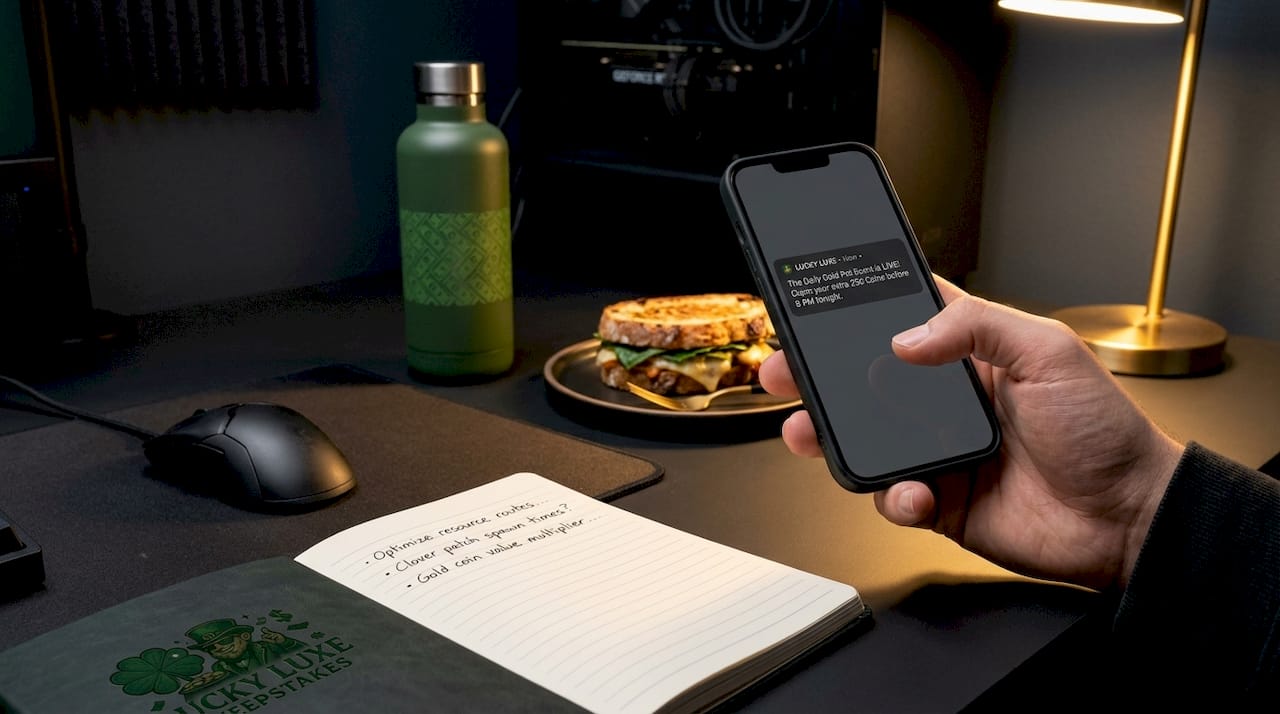
What are the risks and challenges of notification overuse in gaming?
Notification fatigue is the point at which too many alerts cause players to disable them entirely or uninstall the game. This is the single biggest risk in notification strategy, and it is more common than most developers acknowledge. Once a player turns off notifications, re-engaging them through that channel becomes nearly impossible.
The path to fatigue follows a predictable pattern:
- Volume overload: A player receives five or more notifications per day from the same game. Each one feels less urgent than the last.
- Irrelevance: Alerts promote content the player has already completed or has no interest in, signaling that the system does not know them.
- Poor timing: Notifications arrive during work hours, late at night, or mid-session in another game, creating interruption rather than invitation.
- Trust erosion: Repeated irrelevant messages make players associate the game's brand with spam, reducing goodwill even when they do return.
Short, personalized, strategically timed notifications are the industry standard for avoiding this spiral. Examples that work include achievement celebrations, location-based challenges, and fun prompts tied to in-game events rather than pure promotional pushes. The goal is to make every alert feel like it was written for you specifically, not blasted to a million accounts at once.
Pro Tip: As a player, use your platform's notification categories to keep only the alert types you actually act on. Disabling all notifications because of one spammy category means you miss the alerts that genuinely improve your experience.
How do in-game alerts like warning icons contribute to gameplay experience?
In-game alerts are operational feedback tools that tell you what is happening to your connection, hardware, or game state in real time. They are not decorative. They exist because a player who understands why their character is rubberbanding or why their inputs are delayed makes better decisions and feels less frustrated than one who has no idea what is happening.
THE FINALS uses a system of red flashing warning icons to signal specific technical problems including rubberbanding, delayed actions, and input lag. Each icon maps to a distinct issue, so you can immediately tell whether the problem is on your end or the server's end. That transparency changes how you respond. You might switch to a less reaction-dependent playstyle, check your router, or simply accept that the server is under load and adjust expectations.
For a deeper look at how these alerts interact with support resources in gaming, the connection between in-game feedback and player satisfaction is direct and measurable.
| Alert type | What it signals | Player action |
|---|---|---|
| Red flashing icon (rubberbanding) | Server-side lag affecting movement | Adjust playstyle or check server status |
| Input delay warning | Client-to-server latency spike | Check local network or reduce graphics load |
| Connectivity loss indicator | Full or partial disconnect | Reconnect or restart session |
| Performance warning | Hardware bottleneck detected | Lower settings or close background apps |
In-game alerts function as real-time feedback loops rather than passive UI decoration. When designed well, they reduce player frustration by replacing confusion with information.
How do recent platform-level notification controls affect player interaction?
Twitch's 2025 update to its notification system introduced three distinct settings that give viewers and streamers more precise control over what they receive and when. Granular notification settings increase viewer satisfaction and loyalty by replacing the old binary on/off toggle with options that match how different players actually use the platform.
| Setting | What it does | Best for |
|---|---|---|
| Always | Sends all notifications regardless of behavior | Fans who never want to miss a stream |
| Personalized | Uses viewing history to filter alerts | Casual viewers who want relevant content |
| Go Live Only | Notifies only when a channel goes live | Players following many streamers |
Mobile OS filtering adds another layer of complexity. If you never tap a notification from a particular app, iOS and Android can suppress future alerts automatically, even if you have them enabled in the app's settings. This means a player who ignores a few alerts might stop receiving them entirely without realizing it. The mismatch between what the app UI shows and what the OS actually delivers is one of the most underappreciated problems in gaming platform alerts.
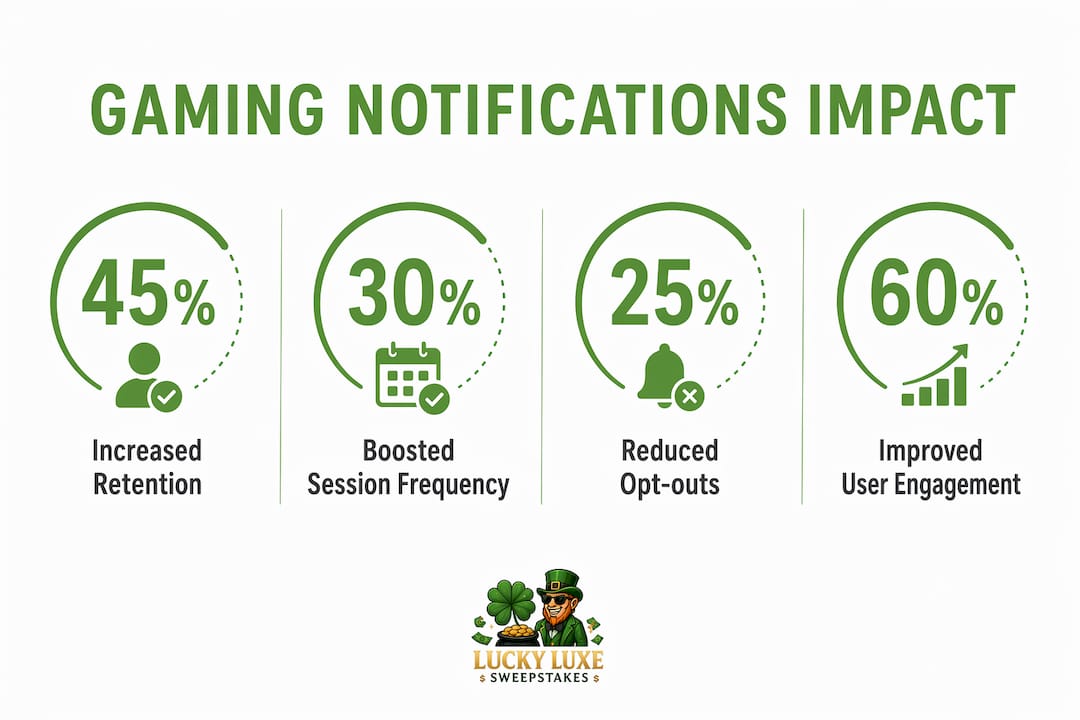
Platforms that give players explicit control over notification type and frequency see lower opt-out rates and stronger long-term engagement. The Twitch update is a direct response to years of feedback that blanket notifications were driving viewers away rather than keeping them connected. Learning to navigate your gaming platform settings is one of the most practical steps you can take to improve your experience.
What best practices should gamers and developers follow to optimize notification value?
The most effective notification strategies tie alerts to the motivations that already drive a player's behavior. Rotating notification triggers across competition, rewards, and social motivations prevents habituation and keeps the engagement engine running longer. Duolingo's notification strategy, widely studied in game design circles, demonstrates that mixing streak reminders, friend challenges, and achievement celebrations outperforms any single message type used repeatedly.
Practical guidelines for getting the most out of gaming notifications include:
- Match alerts to player context: A notification about a limited-time event means nothing to a player who has not logged in for 30 days. Segment by recency and activity level.
- Prioritize opt-in quality over quantity: Correct registration lifecycle management and OS permission routing are non-negotiable. A notification that silently fails because of a permission mismatch is worse than no notification at all.
- Keep messages short and specific: "Your daily bonus expires in 2 hours" outperforms "Don't miss out on amazing rewards waiting for you inside the game."
- Balance informational and promotional content: Players tolerate promotional alerts when they are outnumbered by genuinely useful ones. A ratio of roughly two informational alerts for every one promotional message sustains trust.
- Test timing rigorously: Send the same message at different times of day to different player segments and measure open rates. The data will tell you more than any general guideline.
Avoiding repetitive game experiences applies equally to notification design. When every alert sounds the same, players stop reading them. Variety in tone, content type, and call to action keeps the channel alive.
Key takeaways
Notifications on gaming platforms work best when they are short, personalized, and tied to the specific motivations and habits of each player.
| Point | Details |
|---|---|
| Push notifications drive retention | Behaviorally timed alerts increase return rates, DAU, and in-app purchase conversion. |
| Overuse causes opt-out | Irrelevant or high-volume alerts lead to fatigue and players disabling the channel entirely. |
| In-game alerts reduce frustration | Real-time warning icons like those in THE FINALS give players actionable technical feedback. |
| Platform controls matter | Twitch's granular settings show that player-controlled notifications reduce opt-outs and build loyalty. |
| Variety sustains engagement | Rotating alert types across rewards, social, and competition prevents habituation. |
Notifications as the invisible hand of modern gaming
I have spent years watching players complain about notifications and then quietly admit they returned to a game because of one. That tension is real, and it tells you everything about why this topic matters. The players who say they hate notifications are almost always talking about bad notifications. The ones that feel like spam. The ones that arrive at 2 AM to tell you a sale is ending on content you never wanted.
The alerts that work are the ones you barely notice as alerts. They feel like the game knowing you. A reminder that your guild is about to start a raid you signed up for three days ago. A heads-up that a friend just posted a new high score on a mode you both play. These are not interruptions. They are the game extending its reach into your day in a way that feels earned.
What excites me about where this is heading in 2026 is the shift toward player-controlled customization. Twitch's new settings are a signal that platforms are finally treating notification preferences as a relationship to manage, not a broadcast channel to exploit. When players trust that alerts will be relevant, they stop turning them off. That is the real win for everyone involved.
The platforms that figure out intelligent, respectful notification design will have a measurable retention advantage over those still blasting generic messages. For players, the lesson is simpler: spend five minutes in your settings, and you will transform notifications from an annoyance into a genuine tool.
— Skyline
Level up your gaming experience with Luckyluxe
Luckyluxe is built around the idea that every part of your gaming experience should feel personal, including how you stay connected to the games you love. The platform features tailored game alerts that highlight hot titles, active promotions, and community events matched to your play style. Whether you are into slots, fishing games, or arcade challenges, Luckyluxe keeps you informed without overwhelming your feed. Exclusive features like the referral program and dedicated support resources mean you always know what is happening on the platform. Visit Luckyluxe to explore a gaming environment where alerts work for you, not against you.
FAQ
What is the role of notifications on gaming platforms?
Notifications on gaming platforms inform players of events, updates, social interactions, and technical issues through push alerts and in-game warnings. Their primary function is to re-engage players outside active sessions and provide real-time feedback during gameplay.
How do push notifications affect player retention?
Push notifications drive retention by delivering timely, personalized reminders that bring lapsed players back and increase session frequency. Behaviorally timed alerts tied to player habits produce the strongest results.
What causes notification fatigue in gaming?
Notification fatigue occurs when players receive too many irrelevant or poorly timed alerts, leading them to disable notifications or uninstall the game. Short, personalized messages sent at optimal times prevent this outcome.
How do in-game warning icons help players?
In-game warning icons, like those used in THE FINALS, signal specific technical problems such as input lag or server-side rubberbanding. They give players the information needed to adjust their behavior or troubleshoot their connection in real time.
Can players control which gaming notifications they receive?
Yes. Platforms like Twitch now offer granular settings including "Always," "Personalized," and "Go Live Only" options. Players can also manage notification permissions at the OS level on iOS and Android to filter what actually reaches their screen.